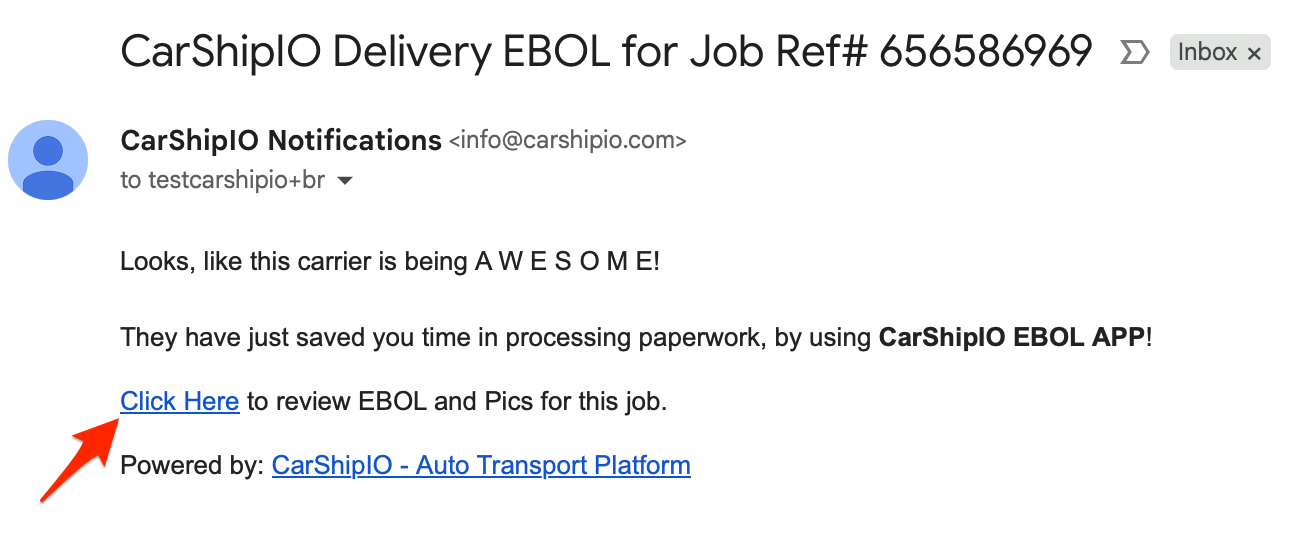
If carrier used CarShipIO App and delivered the job by signing the eBOL, you will receive an email notification about it to your home email:
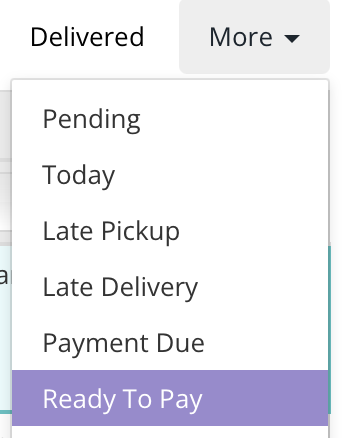
Also you can check all delivered jobs with Signed eBOLs on the job side under filter Ready To Pay:
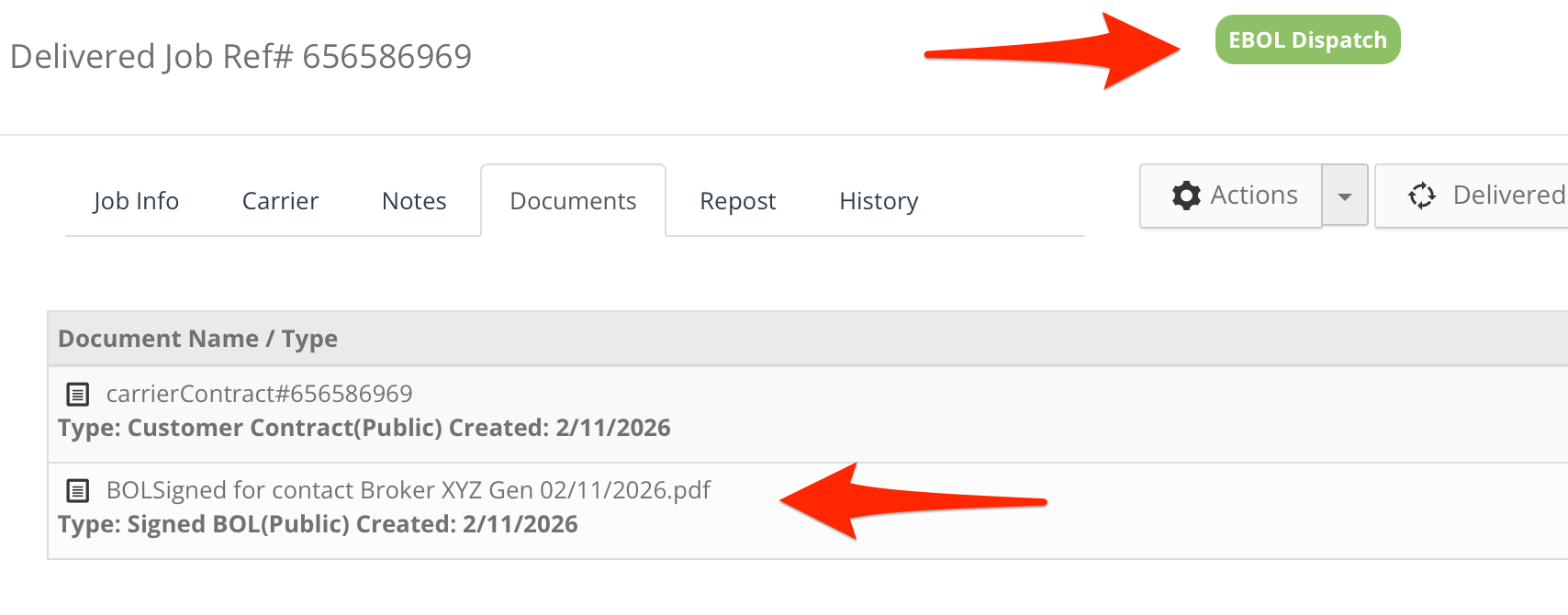
The eBOL will be attached to the Documents tab and the pictures will be in the Job info tab next to the vehicle:

Was this article helpful?
That’s Great!
Thank you for your feedback
Sorry! We couldn't be helpful
Thank you for your feedback
Feedback sent
We appreciate your effort and will try to fix the article