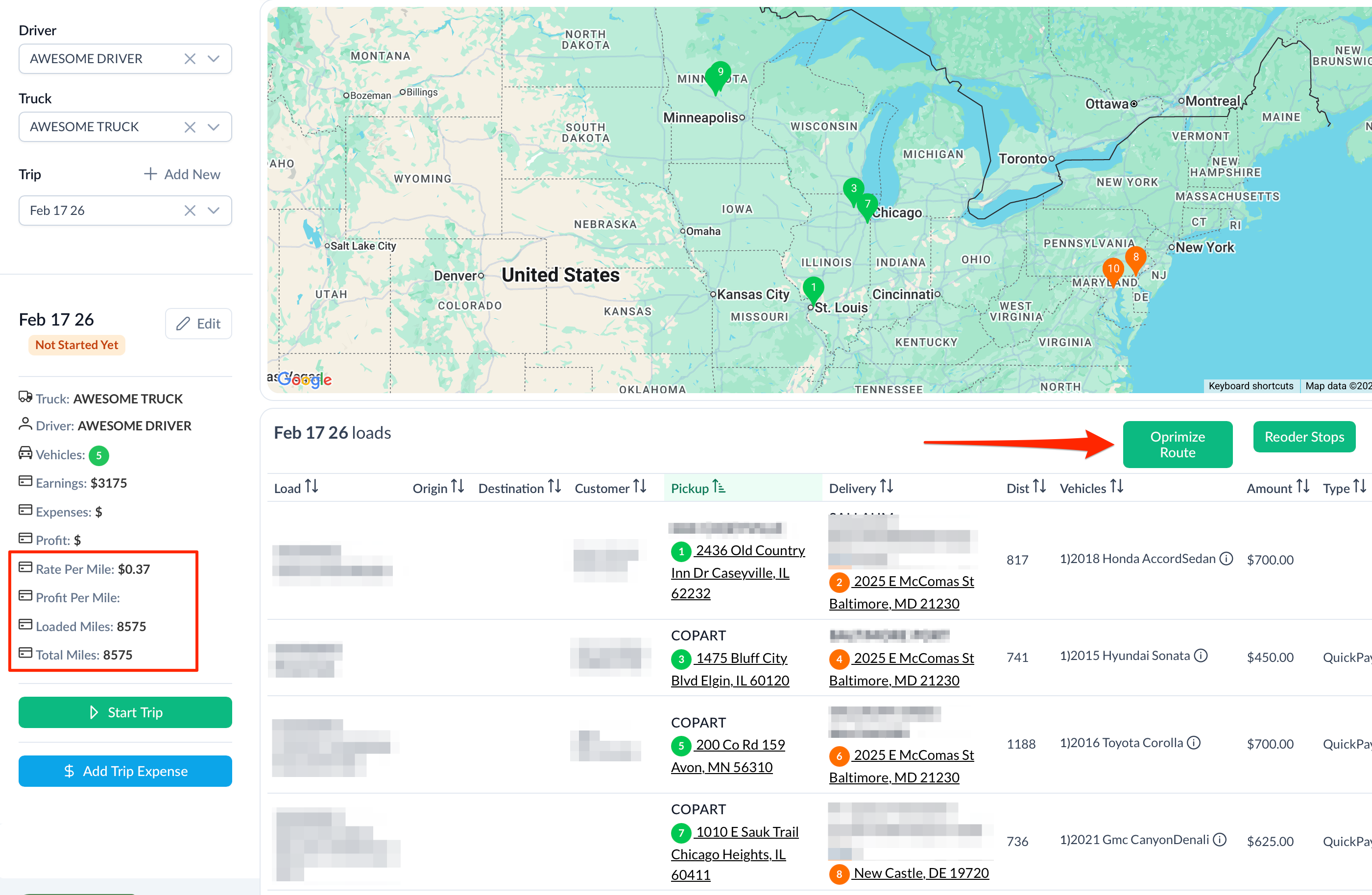
Make sure you have both Start and End locations and Click Optimize Route.
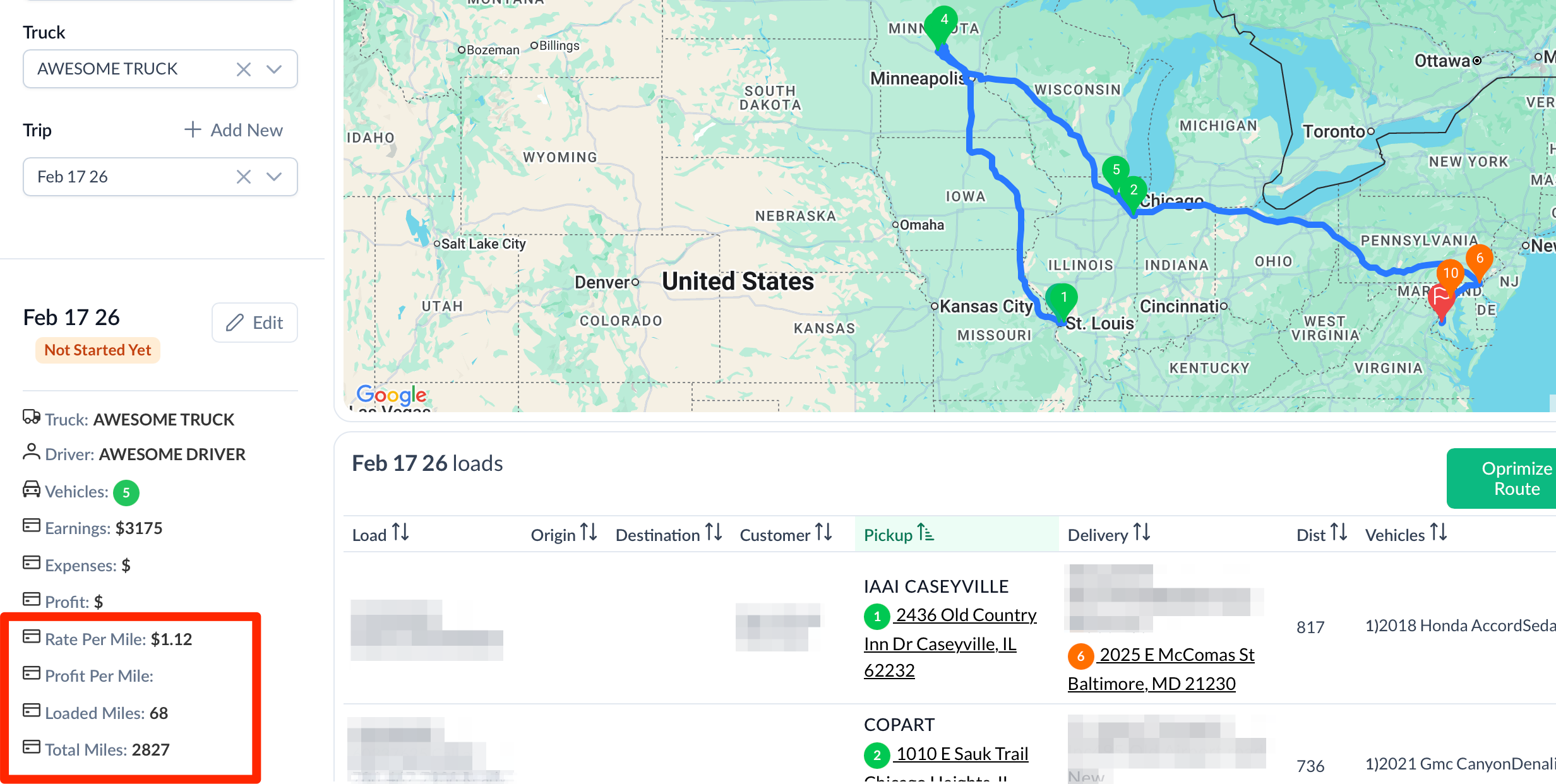
Get and Instant result. Trip numbers are updated automatically and the order of the stops is arranged automatically.
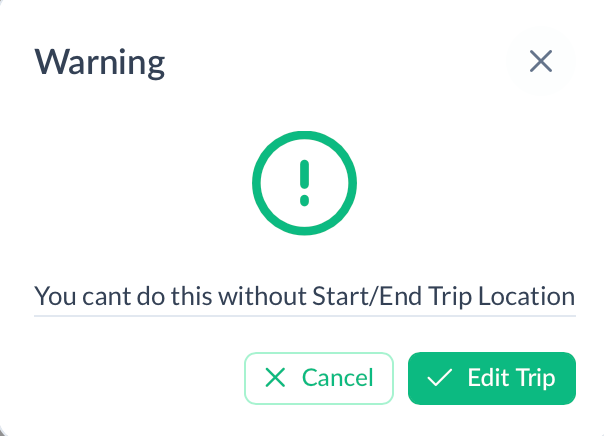
If you didn't enter start and end locations you will get a reminder.
Was this article helpful?
That’s Great!
Thank you for your feedback
Sorry! We couldn't be helpful
Thank you for your feedback
Feedback sent
We appreciate your effort and will try to fix the article